
Roles
Roles define permissions at the Platform level of Farsight.
Guards represent distinct core elements of the Platform for which individual permissions can be assigned to the Role.
Create Role
Section titled “Create Role”- In the Roles tab click the button CREATE ROLE in the top right corner.

- Enter a name for the Role into Role Name field.
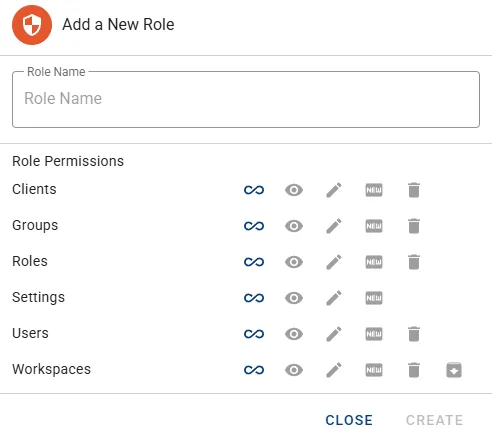
- Define individual permissions for available Guards and press button Create to continue.
| Icon | Action |
|---|---|
 | Select/unselect all of the permission elements. |
| Icon | Permission |
|---|---|
 | Read elements. |
 | Update elements (does require & assign Read automatically). |
 | Create elements. |
 | Delete elements. |
 | Archive/Restore (only available for Workspaces). |
Manage Role
Section titled “Manage Role”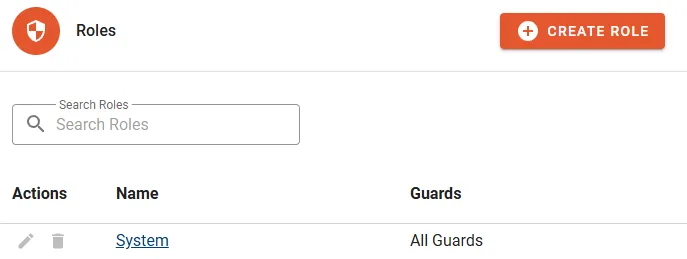
The following properties will be displayed in the Role list:
- Name
- Guards Count of assigned Guards.
Actions
Section titled “Actions”- Edit
- Delete
- Manage Groups
Details
Section titled “Details”Assigned Groups
Section titled “Assigned Groups”- Click button MANAGE GROUPS to configure assignments.
- Change memberships by selecting/unselecting designated Groups.
- Click button CONFIRM to complete the change.